Independent Artists
Develop tracks from the first idea, organize collaborators and submissions, then plan singles, EPs and albums on one calendar.
Take control of every release.
Plan every stage of your music releases in one place. Find available dates, manage separate artists, build tracklists, move songs through the Pipeline, coordinate collaborators and submissions, and stay ahead of every deadline.
Windows is sold and updated through Microsoft Store.
macOS is sold through Gumroad. One-time purchase with free lifetime updates.
See how Release Tracker brings release dates, the pre-release pipeline, collaborators and submission history together on macOS and Windows.
Release Tracker is a desktop planning workspace for independent artists, producers and small record labels. It connects each artist's release calendar with the work that happens before a track is ready: ideas, demos, tracklists, collaborators, submissions, reminders and follow-ups.
Instead of spreading release plans across spreadsheets, notes, calendars and messages, you can see every artist, project, conflict, deadline, status and next step in one organized app — with light and dark themes for any workspace.
01
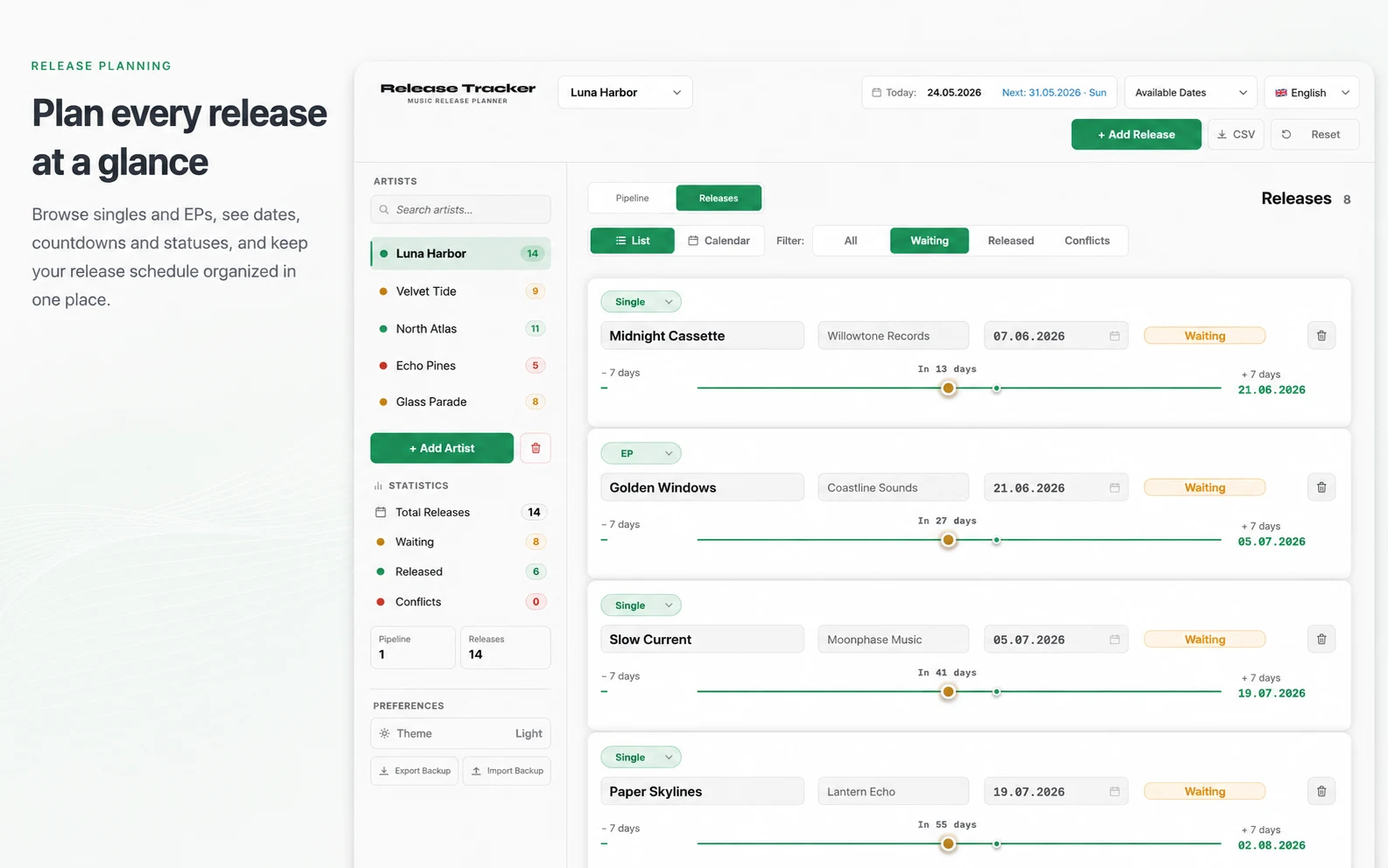
Browse singles, EPs and albums in one organized release list. See dates, countdowns, statuses and release windows for every artist without losing the larger schedule.
02
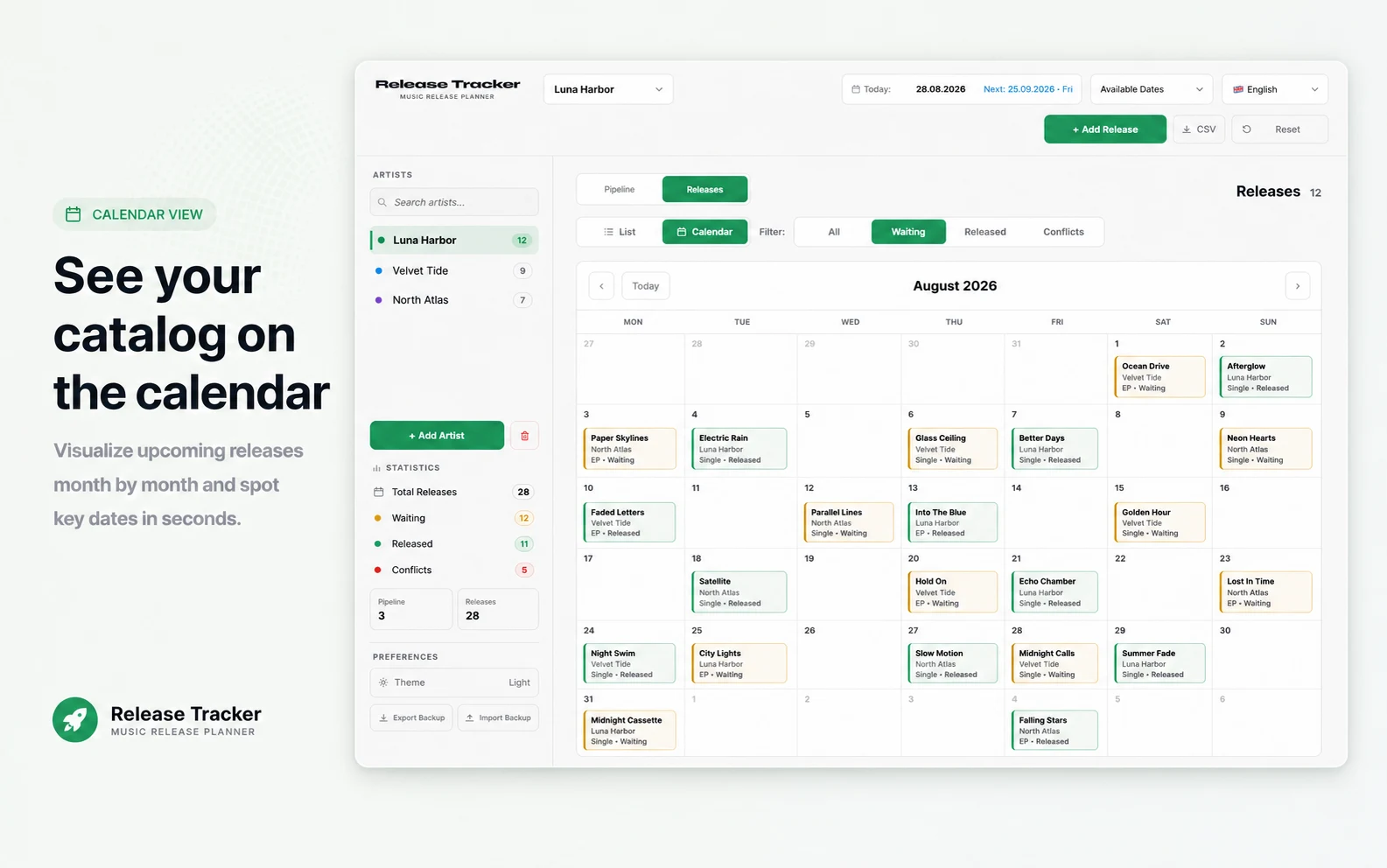
Switch to a clear monthly calendar and see waiting and released singles, EPs and albums in context. Move through each month and understand every artist schedule at a glance.
03
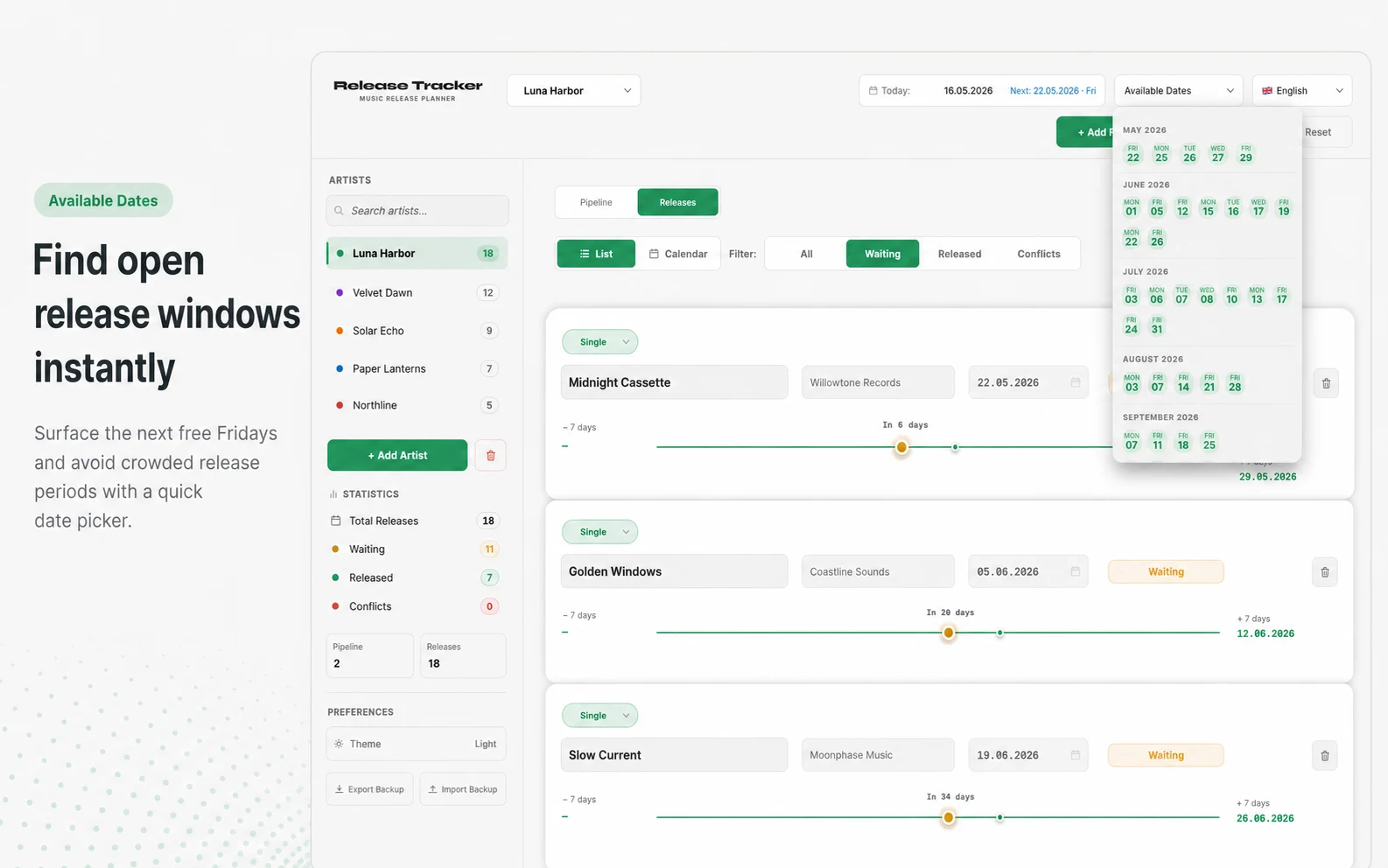
Open the Available Dates menu to find free release windows across upcoming months. Skip crowded periods and weekends automatically, then choose a stronger launch date with confidence.
04
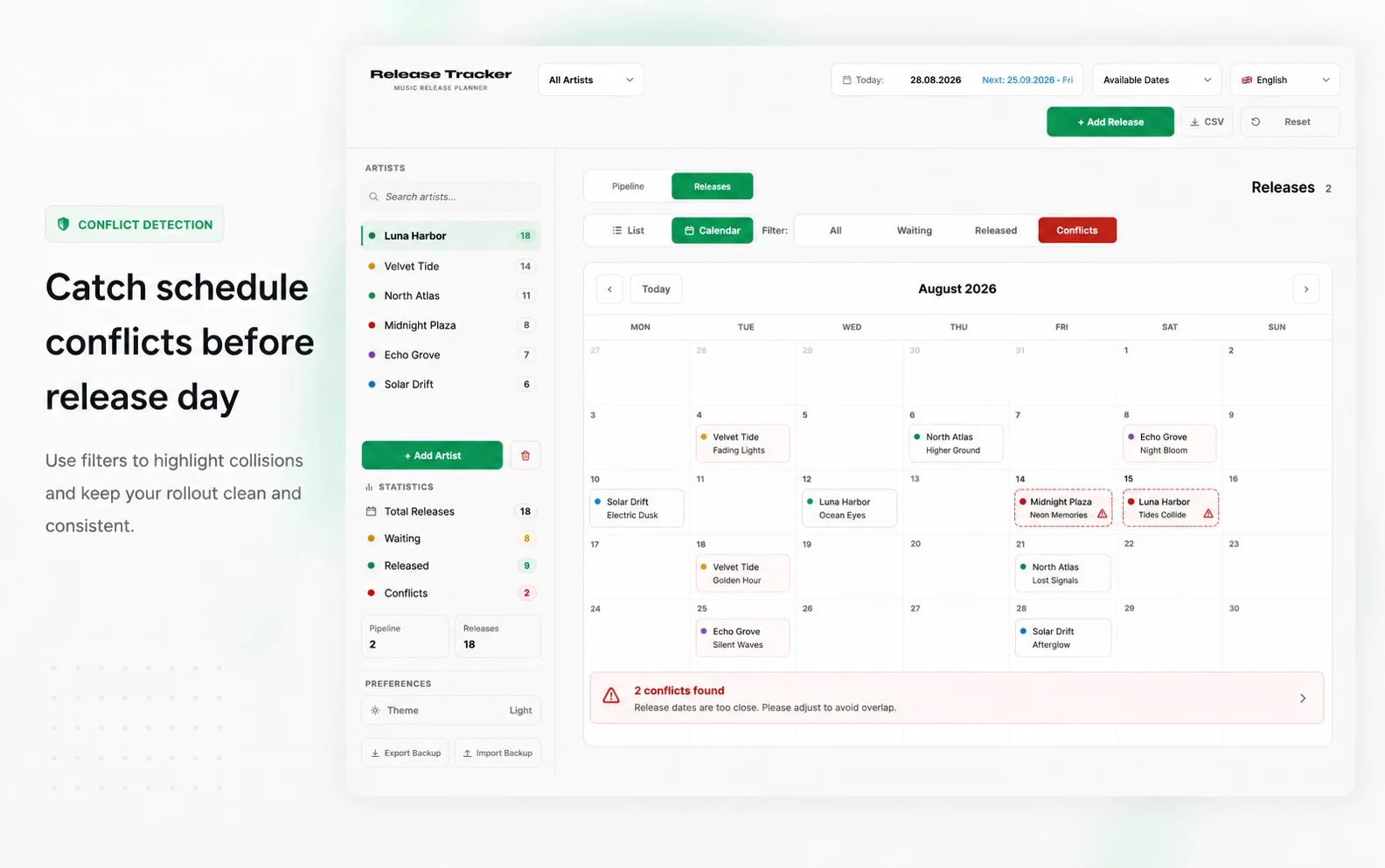
Release Tracker flags overlapping release windows and closely scheduled launches before they become a problem. See exactly which projects collide and adjust the dates before release day.
05
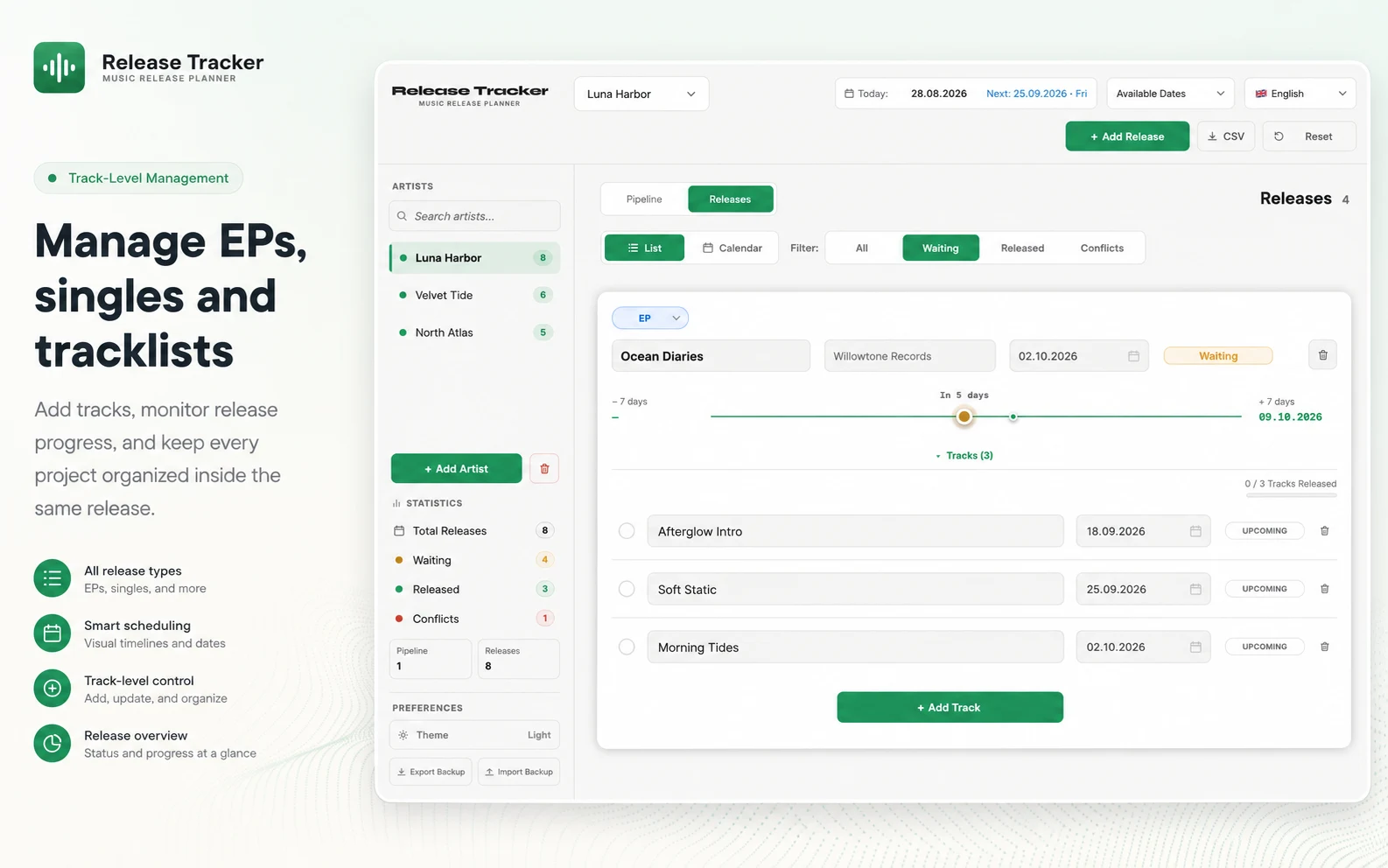
Build the complete tracklist for every single, EP and album. Add tracks, monitor progress and keep release dates and statuses attached to the same organized project.
06
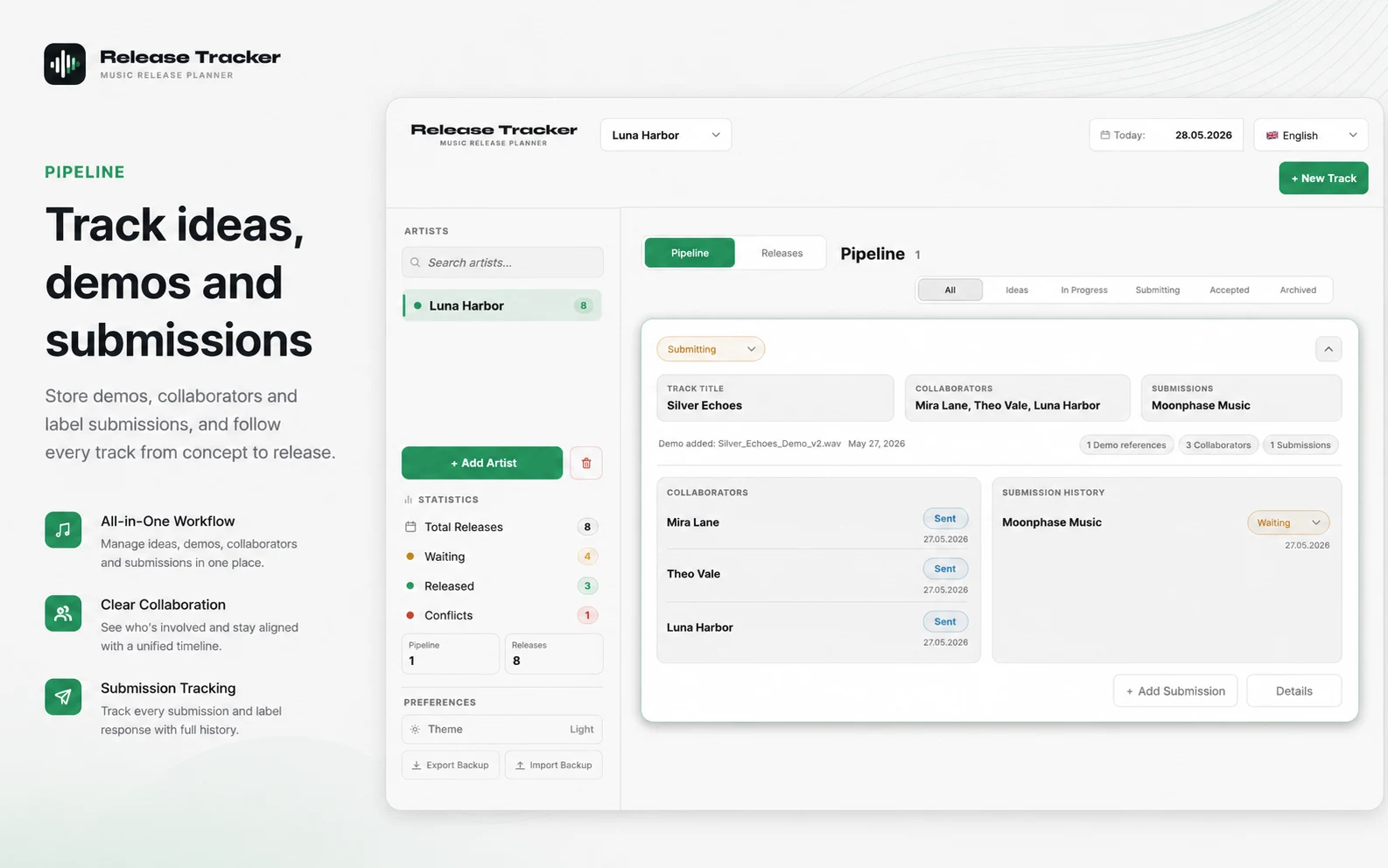
Manage ideas, demos, collaborators and label submissions before a track reaches the calendar. Follow every project from concept through submission and accepted release without losing its history.
07
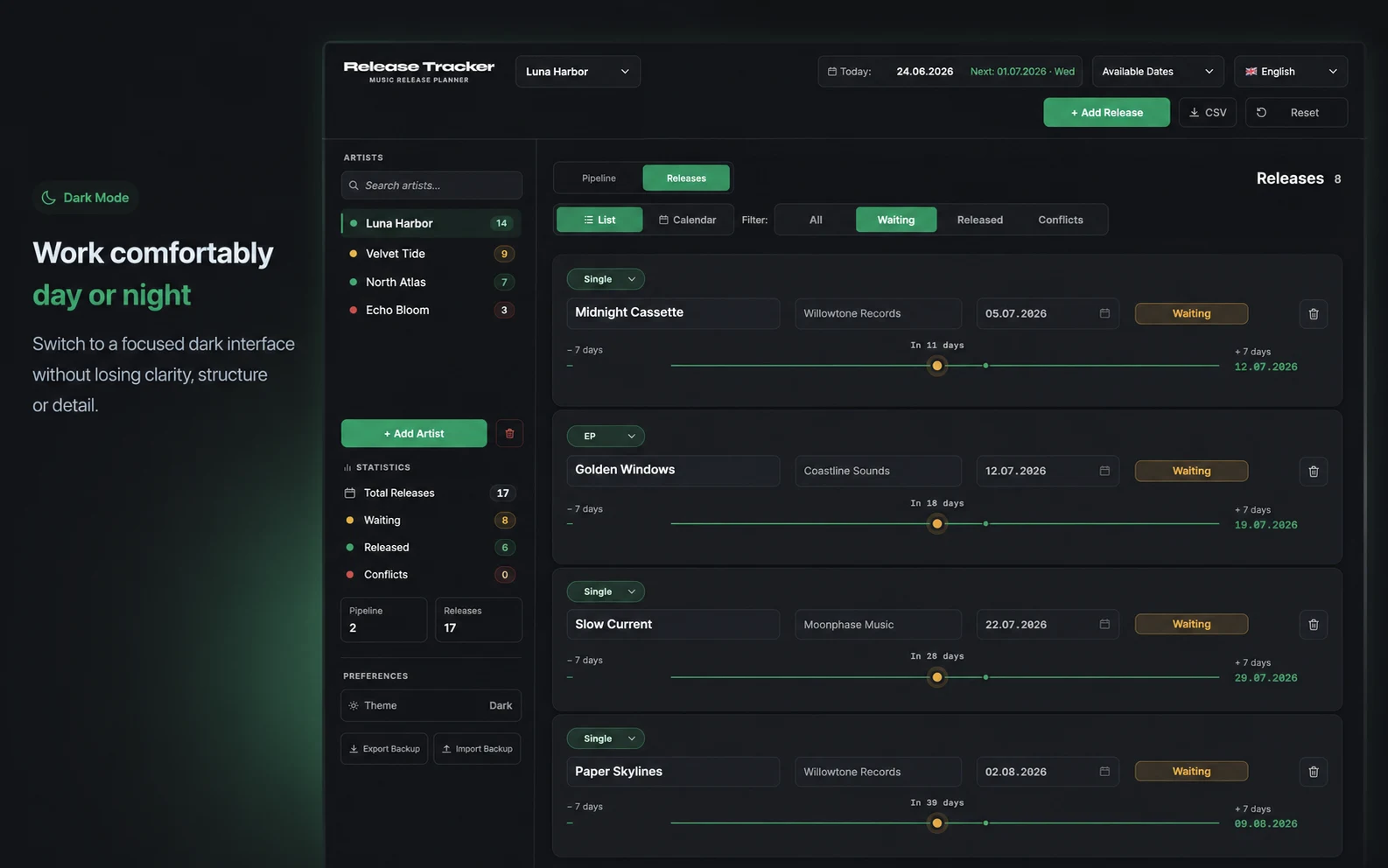
Choose Light, Dark or System appearance and keep the same clear calendar and release information in every theme. Use the view that feels right for your workspace and time of day.
Designed for serious music releases — built for independent artists, producers and record labels.
Develop tracks from the first idea, organize collaborators and submissions, then plan singles, EPs and albums on one calendar.
Manage multiple artist aliases, collaborators, demos, submissions and upcoming releases from one workspace.
See every artist pipeline and release schedule, follow submission activity and avoid timing conflicts.
Release Tracker Guides
A practical step-by-step checklist for planning your next single, EP or album — from final master to release day and beyond.
A music release planner organizes upcoming singles, EPs and albums from the first idea through release day. Release Tracker connects a pre-release pipeline, collaborators, submissions, available dates and the final release calendar.
Release Tracker is designed for independent artists, producers, musicians, managers and small record labels that need a clear view of upcoming music releases.
Yes. You can develop tracks in the Pipeline, then plan singles, EPs and albums on the release calendar when their dates are ready.
Yes. The Pipeline lets you move tracks through Ideas, In Progress, Submitting, Accepted and Archived stages before adding them to the release calendar.
Yes. Each Pipeline track can store collaborator roles, responsibilities, notes and statuses, plus submission contacts, responses, follow-ups and history.
Yes. Multi-Artist Mode lets you manage separate artist profiles, aliases and collaborations from one app.
Yes. Automatic Conflict Detection flags overlapping or closely scheduled releases so you can adjust dates and keep enough space between launches.
Yes. Release Tracker is available for Windows through Microsoft Store and for macOS through Gumroad.
No. Release Tracker is a one-time purchase with lifetime updates. The Windows version includes a free 7-day trial through Microsoft Store, while the macOS version is purchased directly through Gumroad.
Try Windows free for 7 days. One-time purchase with lifetime updates.
Windows: 7-day free trial, Microsoft Store purchase and automatic Store updates.
macOS: Gumroad purchase with free lifetime updates.