Complete folder processing
Process an entire source folder instead of resizing photographs one by one.
Precise output, without repetitive work.
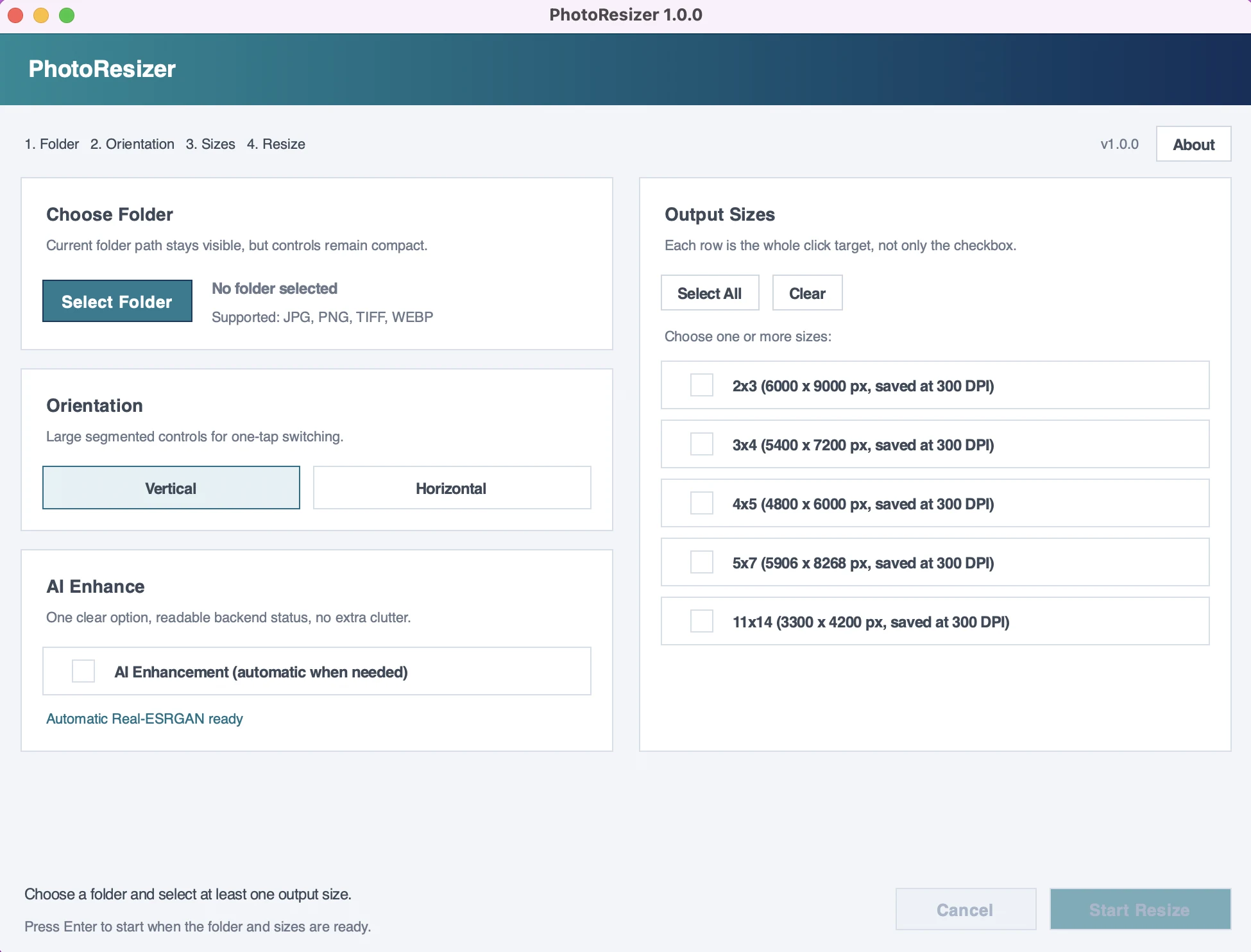
Batch-resize photographs with exact dimensions, automatic cropping, 300 DPI metadata and optional local AI enhancement — without uploading images to the cloud.
What is Photo Resizer AI?
Built for photographers, print studios, designers, marketplace sellers and home users who prepare large batches for printing or delivery. Choose a folder, orientation and one or several sizes, then process every photograph consistently.
Exact sizes, consistent crops and safe batch processing without moving your images to the cloud.
Process an entire source folder instead of resizing photographs one by one.
Create 2×3, 3×4, 4×5, 5×7 and 11×14 outputs in organized folders.
Resize to precise pixel dimensions and export high-quality JPEG files with 300 DPI metadata.
Correct EXIF orientation and center-crop portrait or landscape photos to the required ratio.
Optional Real-ESRGAN processing runs locally with model selection for photographs and illustrations.
See progress and time remaining, cancel when needed and avoid overwriting earlier exports.
Open JPG, JPEG, PNG, TIFF and WEBP files and produce consistent JPEG results.
Your images stay local. Processing requires no account, cloud upload or subscription.
A straightforward workflow designed for repeatable production work.
Photo Resizer AI 1.0.0
The Windows edition includes a free 7-day trial through Microsoft Store. The macOS edition is available through Gumroad.