Batch every combination
Process multiple designs against multiple PSD and PSB mockups in a single run.
More finished images, less repetitive work.
Add your designs and PSD/PSB templates, choose your settings and let AutoMockup build every compatible combination automatically.
AutoMockup 4.0 · One-time purchase · Requires Adobe Photoshop 2020 or newer
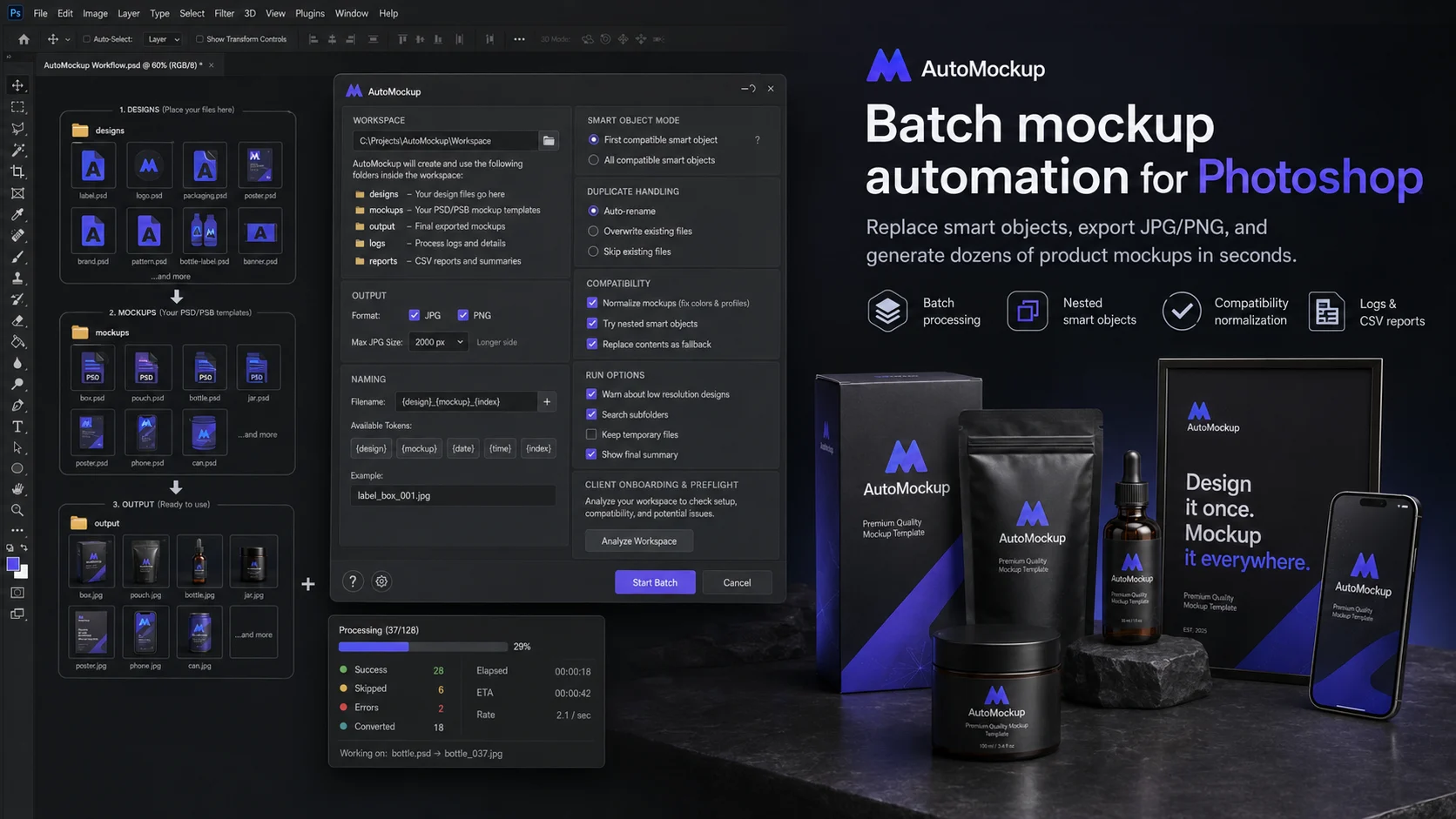
What is AutoMockup?
Stop opening templates, replacing Smart Objects and exporting results one by one. AutoMockup combines every compatible design and mockup, then organizes the finished JPG or PNG files for you.
Actual exports depend on template compatibility, Smart Objects, duplicate settings and skipped files.
Flexible Smart Object handling, predictable output and enough detail to understand every batch run.
Process multiple designs against multiple PSD and PSB mockups in a single run.
Automatically find compatible Smart Objects and process the first match or every compatible object.
Handle common nested and linked Smart Object structures, with Replace Contents fallback when needed.
Check the workspace and mockup compatibility before committing to a large production batch.
Choose the format, set a maximum JPG size and control how existing files are renamed, overwritten or skipped.
Build clear output names with {design}, {mockup}, {date}, {time} and {index} placeholders.
Follow progress, ETA and success, skipped and error counters while the batch is running.
Review what succeeded, what was skipped and which templates caused errors after every run.
Set up the folders once, then let Photoshop do the repetitive work.
For anyone who repeatedly turns artwork into product images.
Requirements & compatibility
AutoMockup supports many common Smart Object workflows, including nested and linked Smart Objects. Not every third-party Photoshop mockup is guaranteed to be compatible; use the built-in preflight before a full batch run.
Your purchase includes AutoMockup 4.0, the Photoshop JSX script and practical documentation.